10 Developer Option Tweaks To Perform On Your Android Phone
BANGALORE: Did you know that you can change the speed of your Android phone? Yes, you can change the speed of your processor, change the animations, obtain higher quality rendering for a good gameplay and other ample of options to tweak your phone.
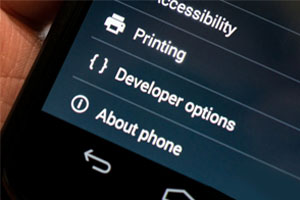
But how can that be done? Well users need to enable the Android developer option; go to settings > about, then tap the ‘Build Number’ tab until you get a message ‘Developer Option Enabled’. Caution: If you don’t know what you can do and how extent you can push your phone’s performance then don’t mess with the settings reports, Gizbot.
 #Enable And Disabling USB Debugging
The first thing you notice after enabling the developer option is the another set of alternatives under Developer Option in Settings. USB Debugging is essential when you connect your Smartphone to a PC, it prompts to debug in order to build a connection and run the Android-related tools on PC.
If you debug the USB in developer option, it won’t ask you every time you connect the Smartphone to PC. To enable USB Debugging, head to Settings > Developer Options, tick on the USB Debugging checkbox. Select OK when you're prompted with a message saying "Allow USB Debugging?”
Read Also:
10 Best Android Gaming Smartphones 2015
Top 10 Call Tracking Android Apps